


How to Claim Your Daily Reward
On this page
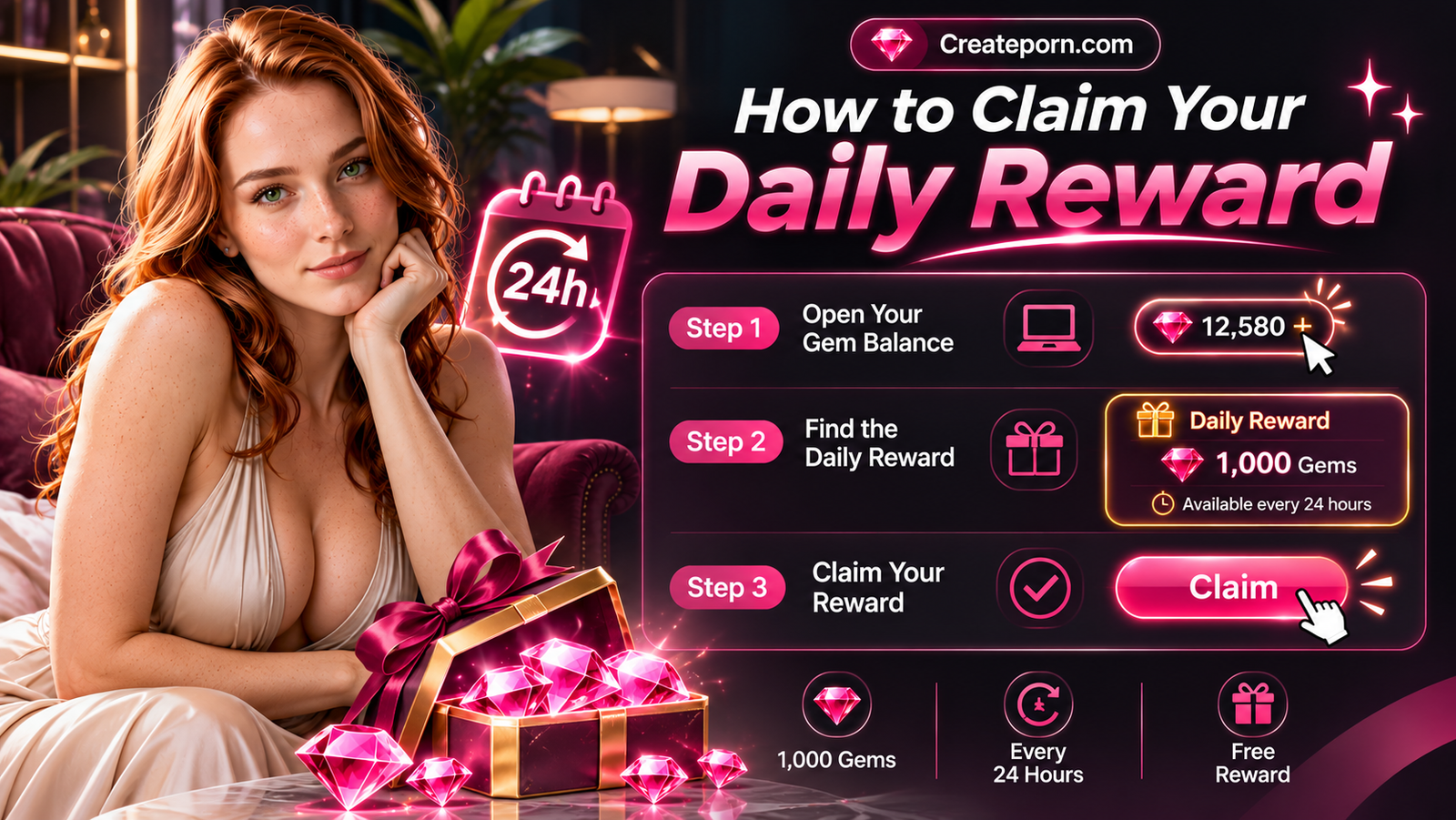
Create AI art gives you a free Daily Reward that you can claim every 24 hours.
The Daily Reward gives you 1,000 Gems that are added to your account balance and can be used toward supported creations on Createporn.com.
Step 1 – Open Your Gem Balance
- Log in to Createporn.com.
- Go to the top-right corner of the page.
- Click your Gem balance.
A menu will open showing your current Gems and available Daily Reward.
Step 2 – Find the Daily Reward
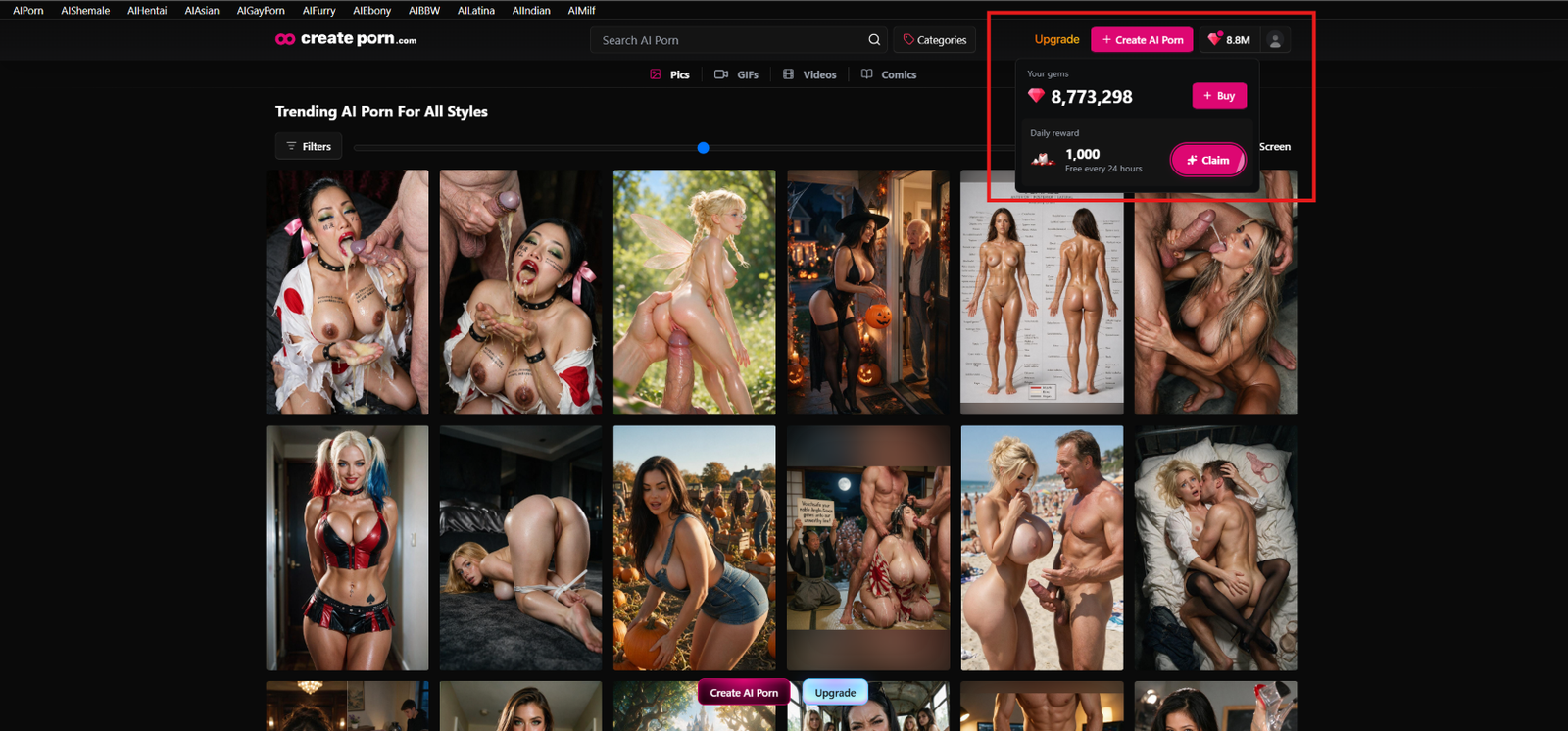
In the Gem menu, look for Daily reward.
You will see:
- The available reward amount
- The message showing that the reward is available every 24 hours
- The Claim button
Step 3 – Claim Your Reward
Click Claim.
Once successfully claimed, the Daily Reward will be added to your Gem balance.
When Can You Claim Again?
The Daily Reward is available every 24 hours.
If the Claim button is unavailable, your next Daily Reward may not be ready yet. Return after the next claim period begins.
Troubleshooting Checklist for Failed Claims
If your Daily Reward does not claim successfully, check the following:
- Make sure you are logged in to the correct Createporn.com account.
- Check whether 24 hours have passed since your previous Daily Reward claim.
- Refresh the page and open your Gem balance again.
- Check your Gem balance to confirm whether the reward was added even if the Claim button did not appear to respond.
- Close and reopen the Gem menu, then try the Claim button again.
- Try again from a supported browser or device if the page is not responding correctly.
- Take note of any error message shown after clicking Claim.
- Take a screenshot of the Daily Reward section if the Claim button is unavailable or the reward does not update.
If the issue continues after completing these checks, contact Createporn.com Support.
Tips for Daily Rewards
Check Your Gem Balance
Your updated Gem total appears in the top-right corner of Createporn.com after the reward is successfully claimed.
Claim Regularly
Claiming your Daily Reward regularly can help add Gems to your balance over time.
Wait for the Next Claim Period
If your reward is not available, wait until the next 24-hour claim period begins before trying again.
Need Help?
If you cannot claim your Daily Reward or your Gem balance does not update after claiming, submit a support request.
When submitting your request, include:
- Your Createporn.com account email
- A short description of the issue
- A screenshot of the Daily Reward section, if available
- Any error message you received
- Whether you already refreshed the page and tried claiming again