


How to use Image to Gif
On this page
Our Image to GIF feature, making it easier than ever to bring your creations to life as short, shareable animations. This guide walks you through how it works.
How It Works
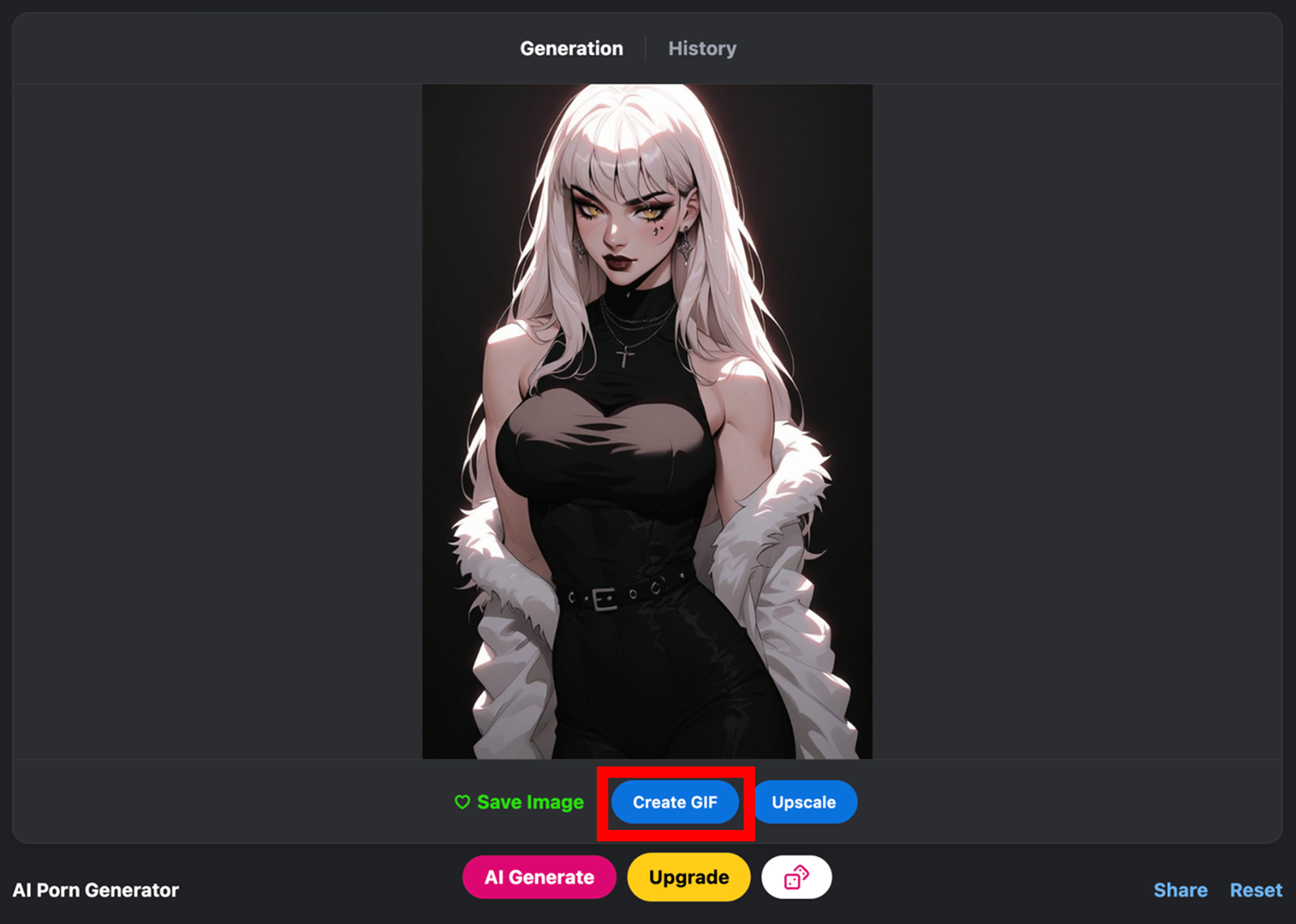
Create an Image – Start by generating an image on our platform.Click the Image to GIF Button – Once your image is ready, click on the Image to GIF button to begin.
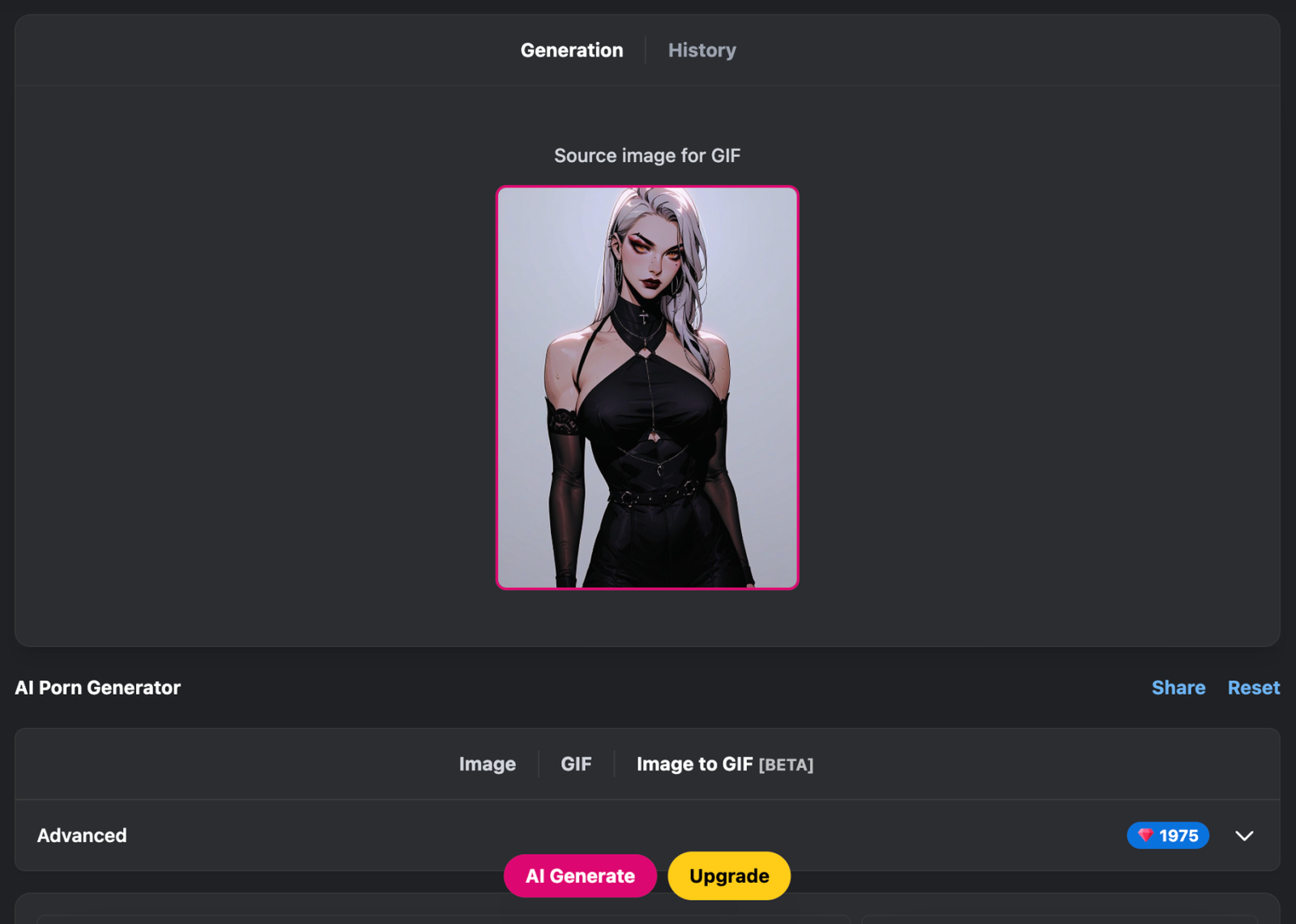
Open the Advanced Menu – On the Image to GIF page, open the Advanced menu and input your prompt to guide the animation.
Generate Your GIF – Hit AI Generate and watch your still image come to life.
Image to GIF via the Post Page
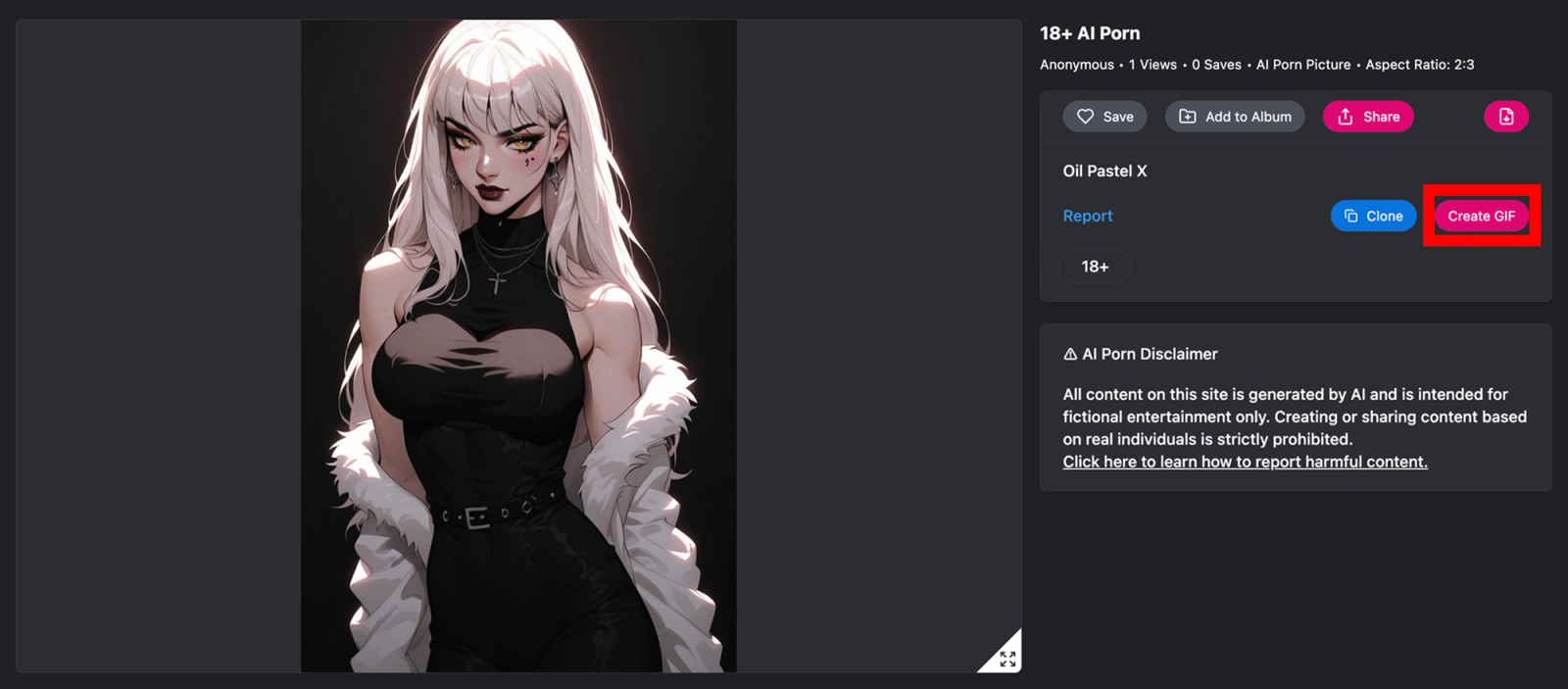
- Click on a post you're interested in on your feed
- Hit the Image to GIFbutton
- Wait for your Gif to finish generating
GIFs Extensions
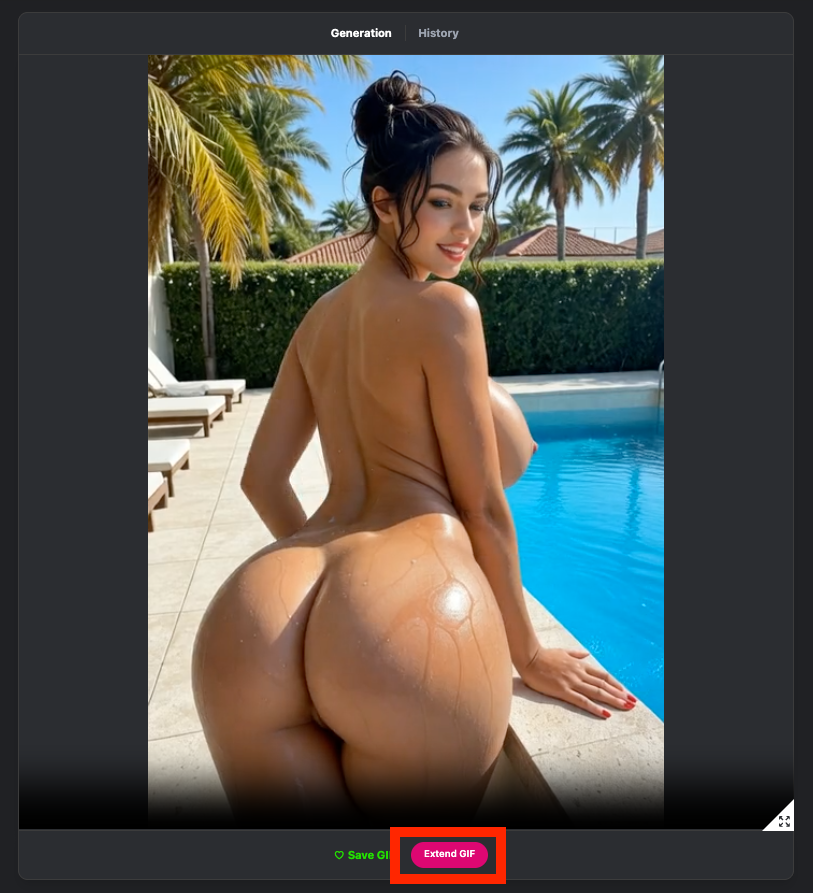
Here’s how you can make the most of it:
- Generate your GIF as usual.
- Extend the GIF – after your GIF is created, click on “Extend GIF” to add another 5 seconds of animation.
- Via the Post Page – select Image → Image to GIF → Extend GIF.
- For GIF posts, simply click “Extend GIF” directly on the post.
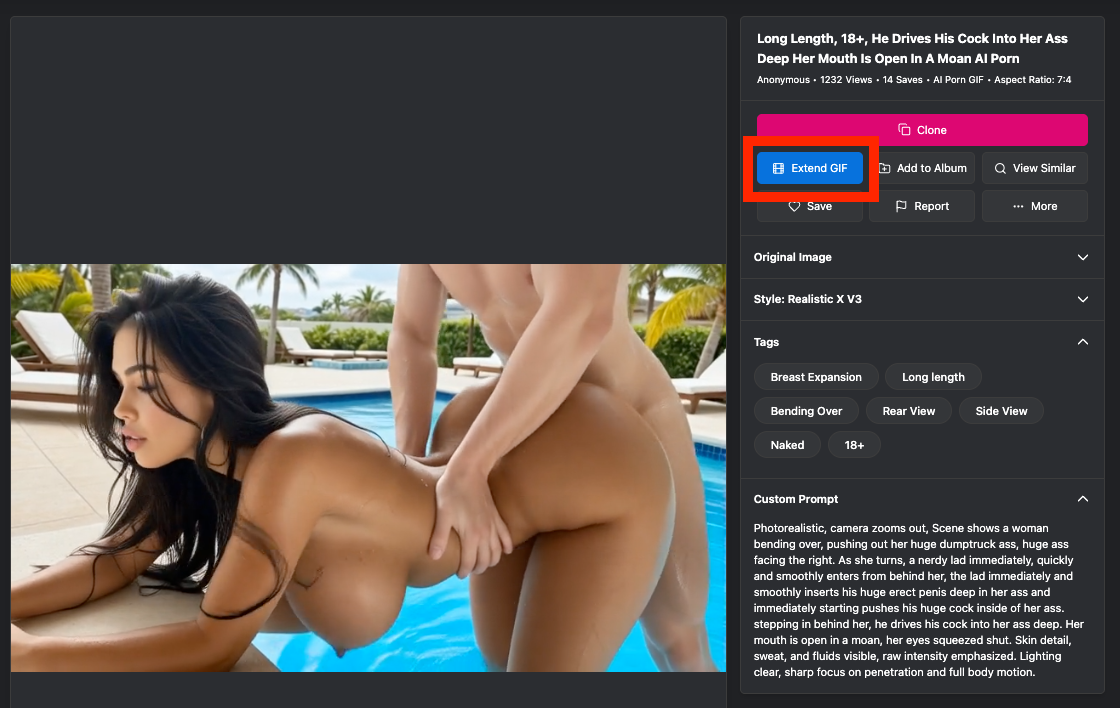
Now you have more room for creativity, storytelling, and fun in every GIF. Give it a try and make your GIFs even more dynamic!
This feature is perfect for adding motion to your favorite creations, whether for storytelling, showcasing art, or just having fun. Try it today and bring your images to life. Let us know what you think. We’re always excited to hear your feedback.